Post engagement
Extract every engager from any social post. All engagers come enriched by default. Posts are grouped into workbooks — a collection of posts.
Setup
Go to Workbooks and create a new one. Paste a post URL, pick reactions, comments, or both, then click Get engagers.
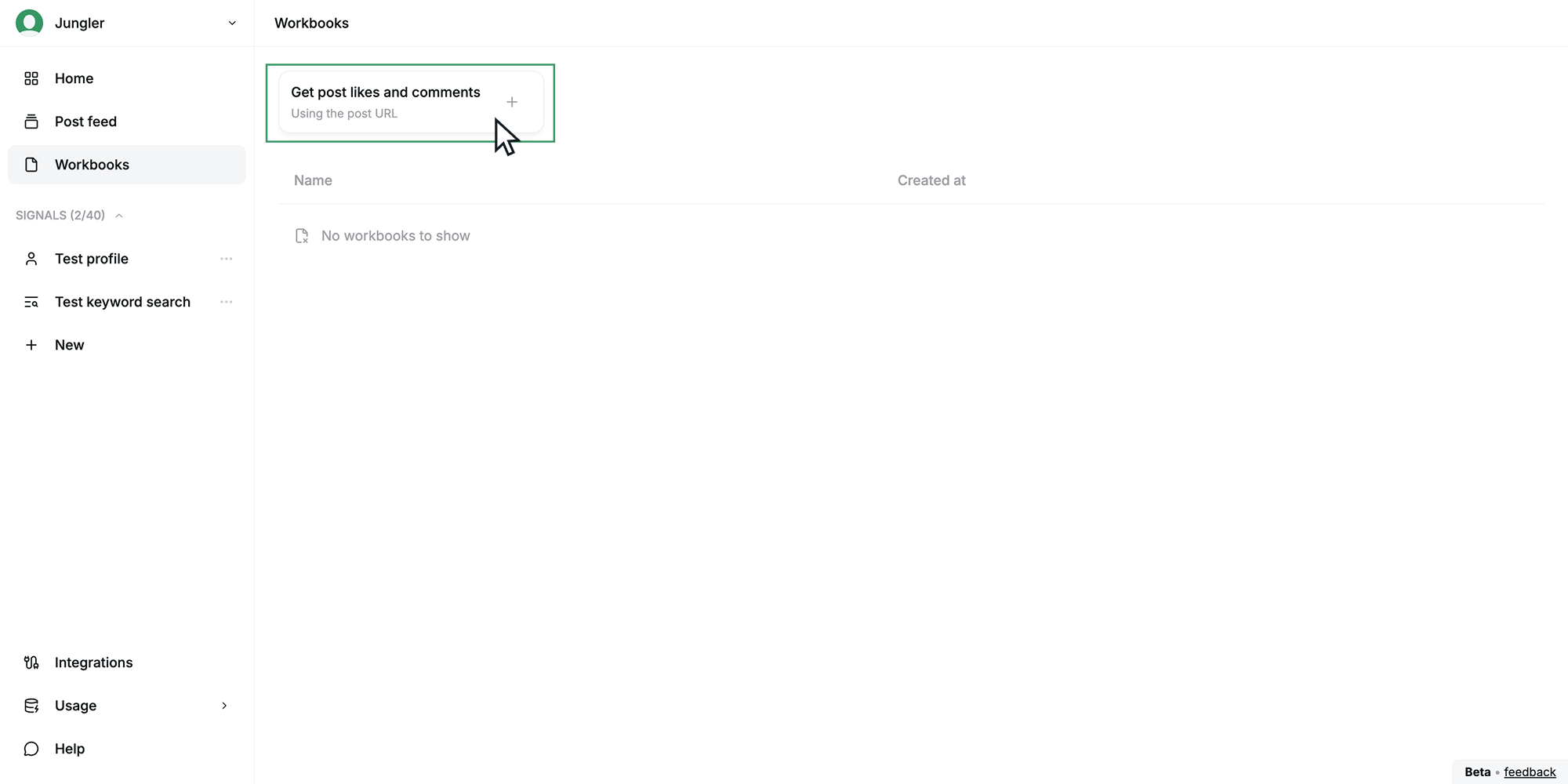
Each post takes a few minutes to extract. Unlike signals, a workbook is a one-off pull — not a scheduled watch.
Filtering
Every engager comes enriched. Filter on any field to isolate your ICP.
Playbooks
| Playbook | Description |
|---|---|
| Lead magnets | Collect engagers from all your lead magnet posts into one workbook and run a one-off outreach campaign. |
Next steps
Workbooks are export-only — there's no scheduled route to an integration. Download as CSV, Excel, or JSON.